
SVG Files for Giant Paper Flowers: Digital Cutting Made Easy



SVG Files for Giant Paper Flowers: Digital Cutting Made Easy
If you are serious about turning your giant flower crafting from a weekend hobby into a highly lucrative event decoration business, automation is the key to scaling. Cutting out hundreds of massive petals by hand with scissors will eventually lead to hand cramps, inconsistent shapes, and lost profit margins due to excessive labor time. For the modern artisan, the ultimate game-changer is integrating digital cutting machines like the Cricut Maker or Silhouette Cameo into the workshop, powered by precise svg files for giant paper flowers.
SVG (Scalable Vector Graphics) files are the digital language that tells your cutting machine exactly where to guide its blade. By feeding these files into your machine, you transform your crafting desk into an automated, high-speed production line.
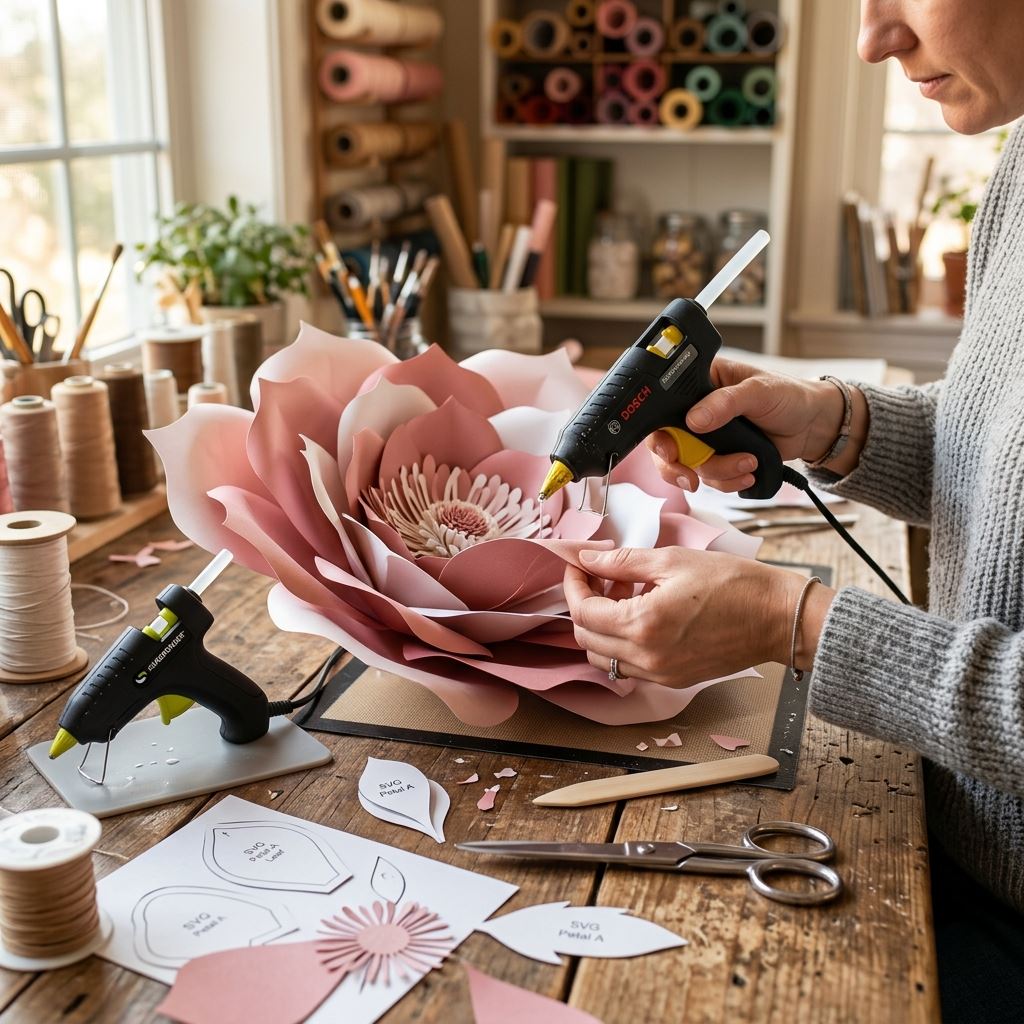
Why SVG Files are Superior to Hand Cutting
Using professional svg files for giant paper flowers completely revolutionizes how you build backdrops. Here is why the most successful decorators rely heavily on digital cutting:
1. Absolute Mathematical Perfection
When you cut a petal with scissors, micro-imperfections are unavoidable. Over the course of 60 petals, these tiny errors compound, resulting in a flower that leans or lacks perfect symmetry. A digital cutting machine reads the SVG vector paths with microscopic precision. Every single slit, curve, and pointed tip is cut flawlessly, resulting in a perfectly balanced, architectural masterpiece.
2. Infinite and Lossless Scaling
Unlike a JPEG or PDF which can become pixelated or distorted when enlarged, an SVG is a mathematical formula. You can take a single SVG petal and scale it in your design software from a tiny 2-inch boutonniere to a massive 24-inch outer guard petal. The cutting machine will execute the massive cut with the exact same sharpness as the tiny one.
3. “Hands-Free” Mass Production
This is where your profit margins skyrocket. While your Cricut or Silhouette is automatically slicing through heavy 250gsm cardstock, your hands are completely free. You can use that time to heat-mold EVA foam, glue the previously cut petals onto the base, or reply to client emails. You are effectively doing the work of two people!
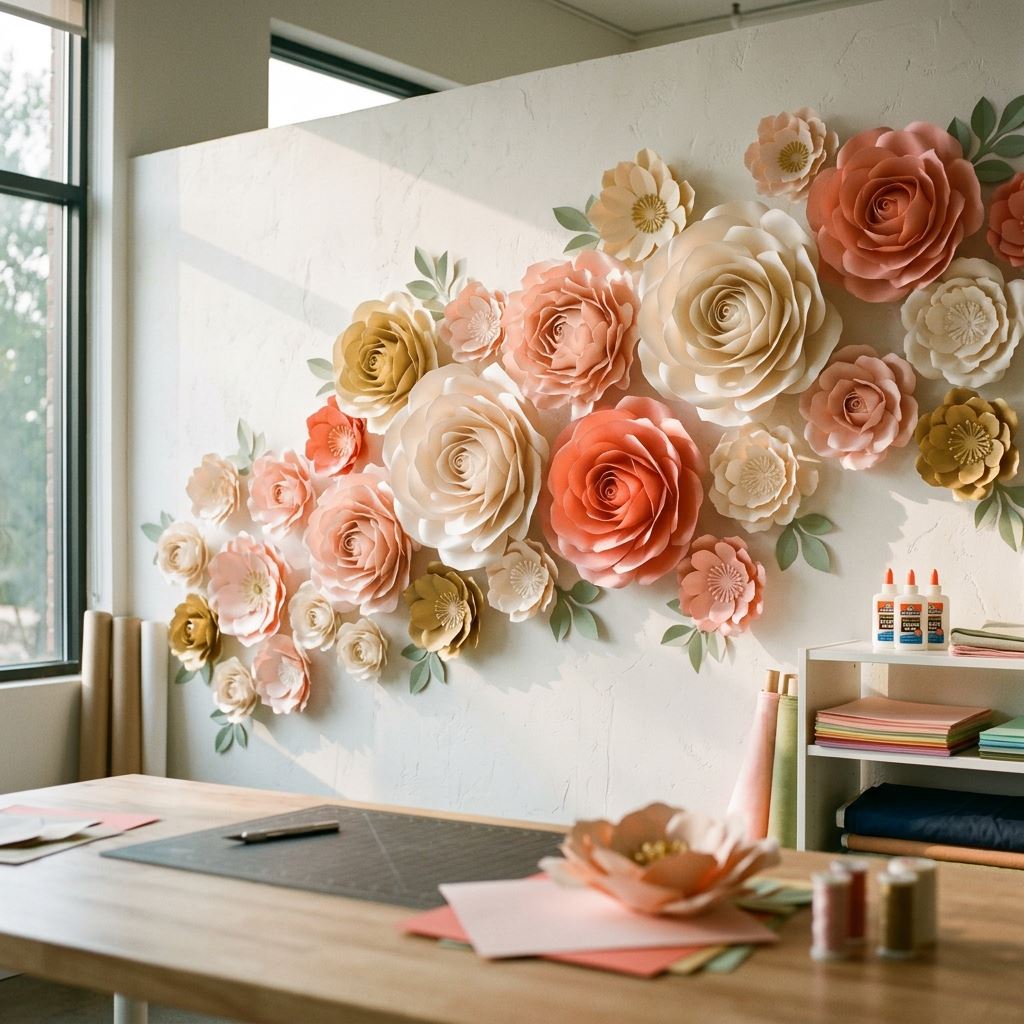
How to Utilize SVG Files in Your Workflow
Integrating svg files for giant paper flowers into your setup is incredibly simple. Once you download the digital files, simply import the `.svg` format directly into Cricut Design Space or Silhouette Studio.
Because giant flowers are often wider than the standard 12×12 inch cutting mats, you will need to utilize larger 12×24 inch mats. Simply drag the SVG petal onto your digital canvas, drag the corner to scale it to your desired size, load your premium cardstock, and press the cut button. The machine handles the rest!
Don’t let manual labor throttle your creative business. Embrace modern technology and dramatically increase your production speed and accuracy. Explore our premium collection of meticulously designed vector blueprints today at our [Giant Flower Masterclasses](https://giantflowersvietnam.com/courses) and let the machines do the heavy lifting!
Frequently Asked Questions About SVG Files for Giant Paper Flowers
1. What exactly is an SVG file and why is it necessary for digital cutting machines?
An SVG (Scalable Vector Graphic) is not a standard image like a JPEG or PNG, which are made of pixels. Instead, an SVG is a mathematical formula of paths and lines. When you use SVG files for giant paper flowers, your Cricut or Silhouette machine reads this mathematical path to know exactly where to drop the blade and cut. This vector format is the required language for digital cutting machines to execute flawless, razor-sharp botanical geometry.
2. Can I enlarge an SVG file without losing quality or causing jagged edges?
Yes, the ability to scale infinitely without loss of quality is the primary advantage of SVG files for giant paper flowers. Because the file is driven by math rather than a fixed grid of pixels, you can scale a tiny 2-inch inner petal up to a massive 24-inch outer guard petal inside your design software. The cutting machine will execute the massive cut with the exact same microscopic precision, sharpness, and smooth curvature as the tiny version.
3. Will using SVG files speed up my backdrop production time?
Absolutely. Utilizing a digital cutting machine powered by SVG files is the ultimate workflow optimization for event decorators. While the machine is independently and flawlessly slicing through heavy 250gsm cardstock, your hands are completely free to mold EVA foam, glue previously cut layers, or answer client emails. This automated mass production drastically reduces manual labor hours, eliminating hand cramps and dramatically increasing your overall profit margins per installation.
4. What if the giant flower petal is larger than my cutting machine’s mat?
Standard cutting mats are typically 12×12 inches, which is often too small for massive outer petals. However, most commercial cutting machines (like the Cricut Maker or Silhouette Cameo) accommodate larger 12×24 inch mats specifically designed for oversized projects. By importing your SVG files for giant paper flowers and scaling them onto the larger digital canvas, you can automatically cut massive, structurally perfect petals up to 2 feet long with absolute precision.
📚 Related Giant Flower Guides
- Read Next: Learn more about Giant Organza Flower Templates in our detailed guide on Giant Organza Flower Templates: The Fabric Blueprint.
- Read Next: Learn more about Giant Flower Backdrop in our detailed guide on Giant Flower Backdrop for Wedding: The Ultimate Statement Wall.